
Unity 工具 / Input Management
Keyboard Adapter
Input System shortcuts that follow the player's keyboard.
1 / 9
Your players came to play.
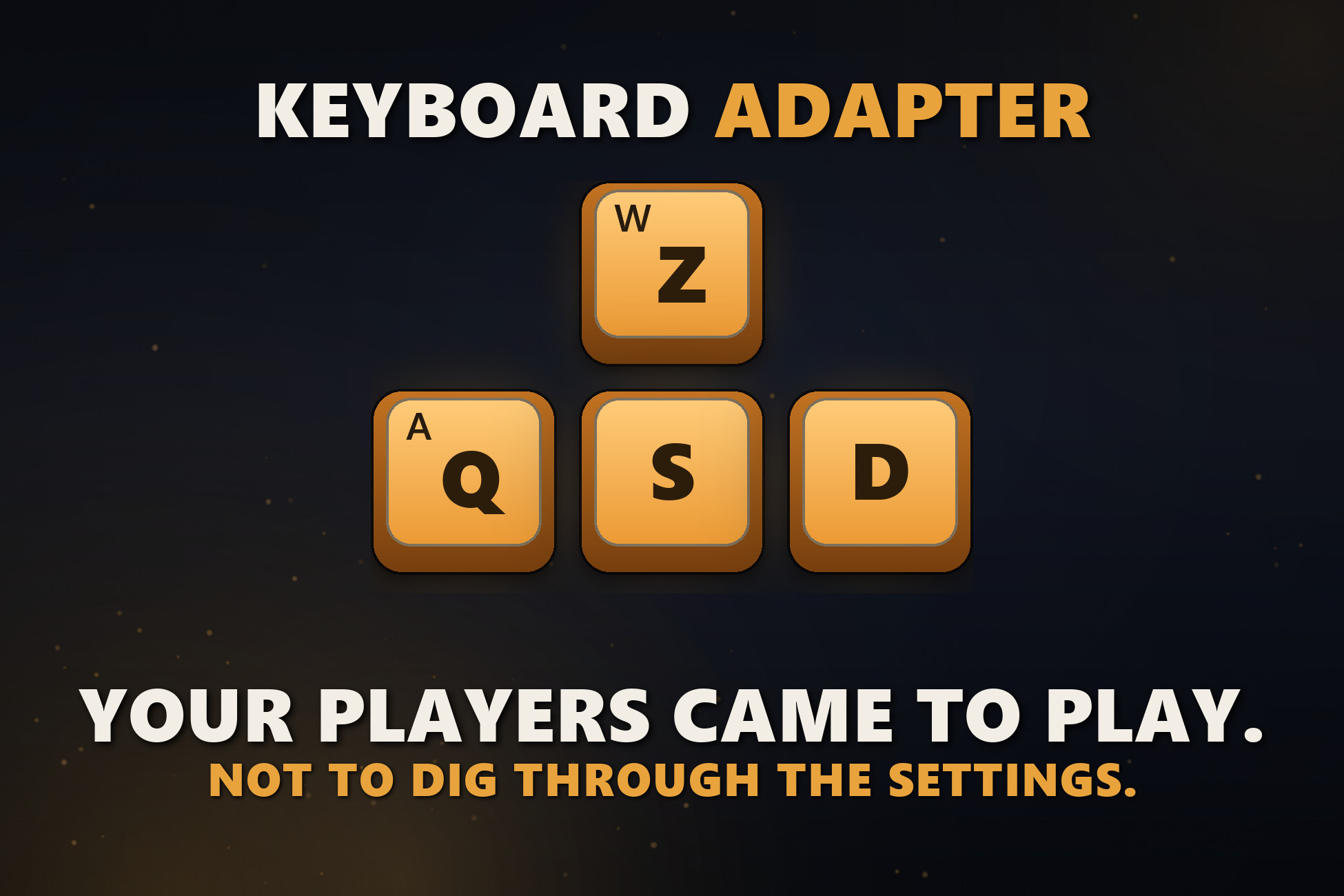
Not to dig through the settings. Keyboard Adapter follows the player's keyboard and offers matching keys, and lets each binding follow the position or the printed letter.
Unity's Input System binds keys by where they sit on a US keyboard. For movement that is exactly right: WASD lands on ZQSD for a French player. For shortcuts it is wrong: on AZERTY, M for the map ends up on the comma key, and on a German keyboard Z for zoom sits under the printed Y.
Keyboard Adapter detects the player's keyboard, offers them keys that match the letters printed on it, and lets you decide, binding by binding, what follows the position and what follows the letter. Your players on AZERTY, QWERTZ, Dvorak, Colemak or BÉPO press the key they read.
🔍 Reads The Keyboard, Not The Language 🔍
Keyboard Adapter looks at what the keyboard actually prints, never at the system language: Swiss French is QWERTZ , Canadian French is QWERTY , and each gets the right keys.
Six layout families : QWERTY, AZERTY, QWERTZ, Dvorak, Colemak and BÉPO.
It follows the player during play : switch the layout mid-game and the new keys are offered.
想用在您的游戏里?
打造 Keyboard Adapter 的团队可以帮您集成、扩展它,或开发您的项目接下来需要的功能。